Remember the panic of a corrupted memory card? We've all been there: 80 hours into Final Fantasy VI, battery dies on the cartridge, or your little brother "accidentally" overwrites your Chrono Trigger save. Retro gaming is incredible, but save management has always been its weak link.
Cloud saves for retro games fix this forever.
Let's talk about how modern cloud save tech works with classic games, why it matters more than ever for netplay sessions, and how you can use Rebit's cloud saves for retro games system to keep your progress safe across devices.
Why Retro Games Lose Saves (And Why It Sucks)
Original cartridges used three main save types:
- Battery-backed SRAM - Internal battery dies, saves vanish (common in NES/SNES/GBA RPGs)
- EEPROM/Flash - More reliable but still prone to corruption
- Password systems - Write down a 50-character code or lose everything
None of these were designed with "pick up and play anywhere" in mind. If you gamed on multiple consoles as a kid, you carried memory cards in your pocket like a digital nomad.
Emulation improved things slightly (save states on your PC), but you still had:
- Save files trapped on one machine
- No sync between phone, tablet, and desktop
- Losing everything when you wiped your computer
Cloud saves change the game completely.
How Cloud Saves Work for Retro Games
The concept is simple: your save files live on Rebit's servers instead of your local device. When you load a game, we pull the latest save. When you save, we push it back up.
Under the hood, it's trickier than it sounds:
Save State vs. In-Game Save
- In-game saves (what the game writes normally) - These work everywhere and sync perfectly
- Save states (emulator snapshots) - These can break if you switch devices, emulators, or versions. We handle this by only syncing in-game saves by default.
What gets synced:
- SRAM/EEPROM data (your actual game saves)
- High scores and leaderboards where supported
- Configuration settings per game
What doesn't sync:
- Save states (for stability reasons)
- Screenshots or recordings (too large)
This means your Super Mario World Dragon Coins, your EarthBound progress, and your Mario Kart 64 ghost data all follow you around automatically.
Real Examples: Games That Benefit Most
Some games absolutely sing when you have cloud saves:
1. Final Fantasy VI (SNES)
RPGs are the obvious winner. Start a session on your laptop during lunch, continue on your phone in bed, finish the boss fight on your desktop. No swapping cartridges, no memory card juggling.
2. Mario Kart 64 (N64)
Your unlock progress, ghost data, and custom setups sync everywhere. If you unlock a character on one device, it's unlocked on all of them.
3. The Legend of Zelda: A Link to the Past (SNES)
Dungeons are long. Being able to save mid-dungeon on your TV, then pick up your phone and finish it later is exactly how handheld gaming should feel in 2026.
4. Pokémon Emerald (GBA)
Full PC sync means you can grind EVs or breed competitively on your schedule, then battle friends online with zero friction.
5. Street Fighter Alpha 3 (PS1)
Your unlock progress for characters, stages, and modes follows you. No re-unlocking Shin Akuma every time you switch devices.
Using Rebit Cloud Saves: Quick Setup
Setting up cloud saves on Rebit takes about 30 seconds:
- Create a free account at rebit.cc - This is your cloud identity
- Upload your ROM to /upload-rom-play-online - We host it securely
- Start playing - Saves automatically sync to your account
That's it. No configuration, no manual backup, no "remember to copy this file."
Advanced options:
- Manual save slots - Create named saves ("Kefka fight attempt 3", "Speedrun segment 1")
- Export saves - Download your save for local backup or use with other emulators
- Version history - We keep the last 10 saves per game, so you can undo accidental overwrites
Cloud Saves + Netplay: The Killer Combo
Here's where it gets really good: cloud saves transform netplay sessions.
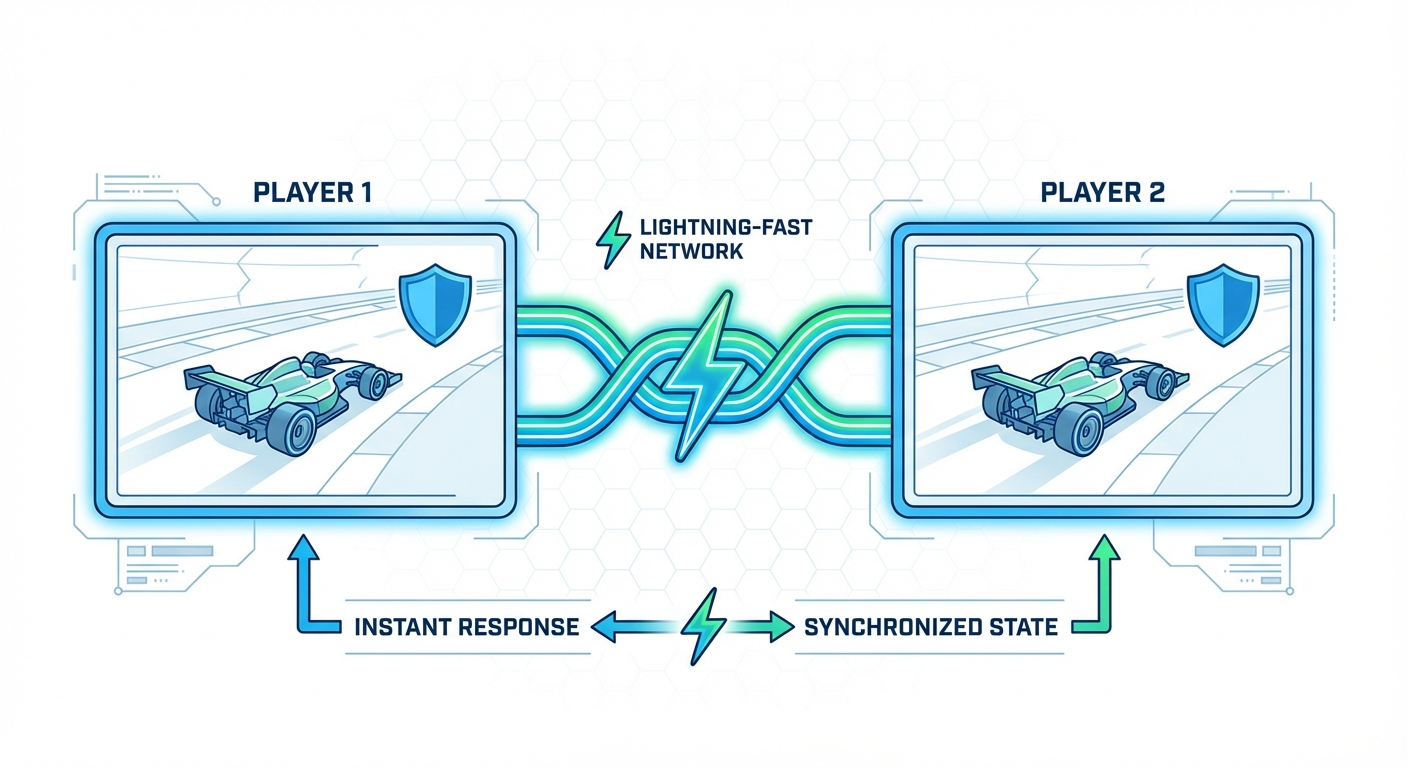
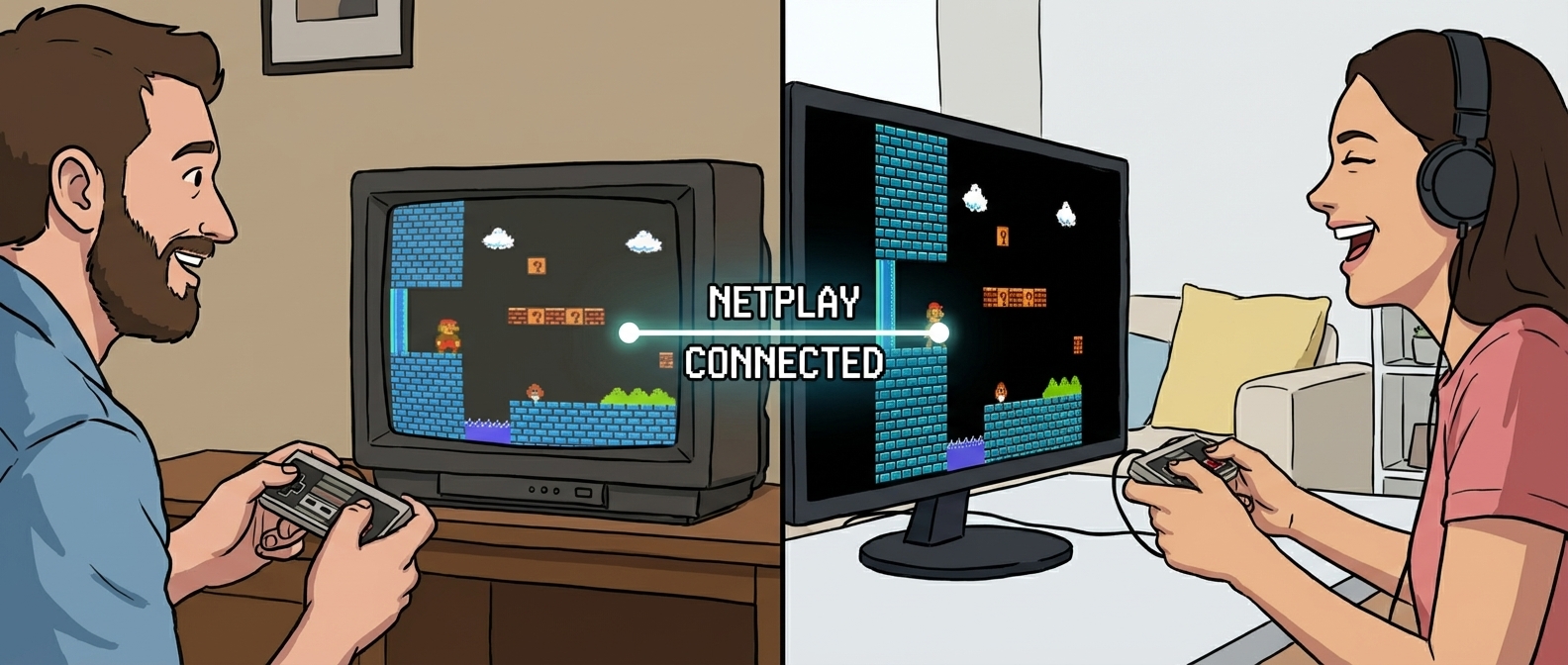
Scenario 1: Cooperative Sessions You and a friend are playing Contra on /play-retro-games-online-with-friends. You make it to level 5. Next week, you both pick up exactly where you left off—same continues, same weapons, same progress. No "let's start over from the beginning" every session.
Scenario 2: Speedrunning Practice A speedrunner is practicing Super Metroid glitches. They can practice on their desktop, grab their laptop to go to a friend's house, continue on a tablet during travel—all with the same practice file and muscle memory intact.
Scenario 3: Tournaments Fighting game tournaments use /play-n64-games-online for brackets. Players' custom configs, unlock progress, and training mode setups follow them from casual play to tournament bracket without reconfiguration.
Scenario 4: Cross-Device Grinding Grind mindless XP in Final Fantasy on your phone during commutes. When you get home to your TV, switch to desktop for the story cutscenes and boss fights. Best of both worlds.
What About Privacy and Security?
We get this question a lot. Here's the straight answer:
Your save data is encrypted in transit and at rest. Only you can access it. We never sell or share your progress data. ROM files themselves are private unless you explicitly share them via /retro-netplay invites.
Account linking: If you ever switch accounts or platforms, we can migrate your save data. Just hit up support and we'll sort you out.
Data retention: Free accounts keep saves for 6 months of inactivity. Premium accounts never delete data. Either way, we warn you before cleanup.
Limitations and Gotchas
Cloud saves aren't magic—here's where they have rough edges:
Not All Games Save Cleanly Some arcade games use EEPROM that doesn't always sync perfectly between emulator versions. We flag these games in the library.
Save States Don't Sync As mentioned earlier, save states are emulator-specific. If you use save states heavily, you'll need to export them manually.
Initial ROM Upload Required We can't sync saves for ROMs hosted elsewhere. You need to upload your game through our system first. /upload-rom-play-online handles this, but it's an extra step.
Large Save Files Some games (like Satellaview titles or memory-card-heavy PS1 games) create larger save files. These work but might take a second longer to sync.
Migration From Local Saves
Already have a library of local save files? We make migration painless:
- Export your saves from your current emulator (usually
.savor.srmfiles) - Upload the same ROM to Rebit
- Import your saves via the game settings menu
Our system detects the save format and matches it to the correct game. No manual file renaming or directory wizardry.
Pro tip: If you're migrating from RetroArch, we have a one-click importer that handles multiple games at once.
Cross-Device Retro Gaming: The Future
Cloud saves unlock something the original hardware never could: true cross-device retro gaming.
Start Mario World on your phone during your commute. Beat the level on your laptop at a coffee shop. Battle friends on your TV when you get home. Your progress, your unlocks, your experience—consistent everywhere.
This is how retro gaming should feel in 2026. No compromises. No memory cards. No "I'll finish this later, oh wait, my save is on the other machine."
Just play.
Ready to Never Lose a Save Again?
Getting started is free. Create your account at rebit.cc and upload your first ROM. Your saves start syncing immediately.
If you're already using Rebit, check your game settings—cloud saves might already be enabled. You can verify sync status and export backups from any game page.
Got questions about specific games or edge cases? Hit up our /blog for deeper dives, or jump into the community Discord. We've helped players migrate saves from just about every emulator under the sun.
Your progress is too valuable to trust to a dying cartridge battery. Let the cloud handle the backup so you can focus on what matters: playing.
Want to dive deeper into netplay mechanics? Check out our complete guide to playing retro games online with friends or learn how to fix netplay lag with our practical checklist.