Let's be honest: most guides to play retro games online are secretly written for people who already know what they're doing.
They throw around terms like "netcode," "ROM headers," and "input latency" like you're supposed to nod along and figure it out later. Meanwhile, you just want to play Contra with your college roommate who lives three states away.
This guide is different. It's built for exactly one person: you, right now, who wants to play retro games online but doesn't want a certification in network engineering first.
The Big Shift: Why This Finally Works in 2026
Five years ago, playing Street Fighter II online meant downloading emulators, configuring routers, and accepting that 30% of matches would disconnect.
Today, you can play retro games online by clicking a link. The tech handles input prediction and session syncing automatically. No ports, no plugins, no emulator arguments.
What You Actually Need (Spoiler: Not Much)
The Real Requirements
- A device with a web browser - laptop, desktop, tablet, even a phone in a pinch
- An internet connection - anything that can stream YouTube works fine
- Five minutes - that's literally it
What You Don't Need
No downloads, accounts, or technical knowledge. You also don't need to own original cartridges—the platform provides the game library.
The Three Ways to Play
Let's talk about how you'd actually use this in real life.
Three Real Ways to Play
Solo Sessions: Visit retro netplay, click any game, and play. The platform saves your progress automatically, so you can switch between devices—laptop at lunch, desktop after work, tablet on the couch.
Friend Groups: Create a room link, share it in your group chat, and everyone clicks in. The networking handles itself. No port forwarding, no troubleshooting, no 45-minute setup sessions.
Weekly Game Nights: Use the same room link every week. The platform remembers your settings and preferences. That's how play retro games online with friends becomes a habit instead of a hassle.
10 Games Perfect for Your First Online Session
Cooperative Games:
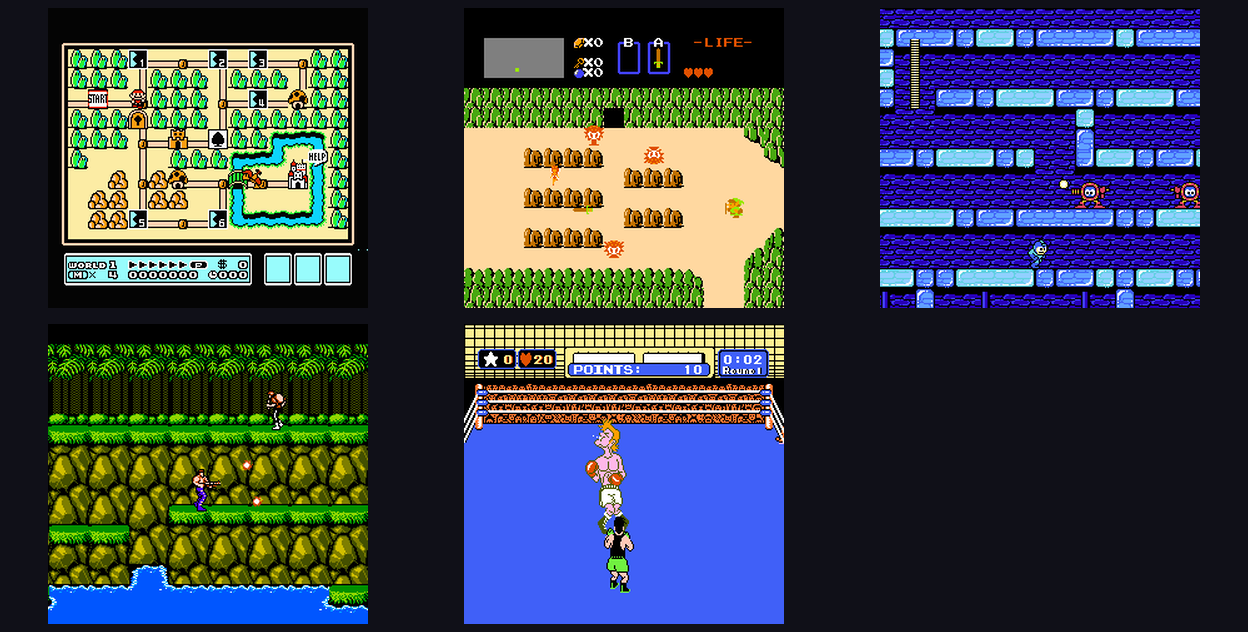
- Contra (NES) - Short rounds, legendary difficulty, perfect teamwork test
- Super Mario World (SNES) - Relaxing co-op exploration, great for low-pressure sessions
- Secret of Mana (SNES) - Three-player RPG that rewards actual coordination
- Double Dragon II (NES) - Classic beat-'em-up with simple controls and satisfying progression
- Mario Kart 64 (N64) - Battle mode is still unmatched for friendly rivalry
Competitive Games:
- Street Fighter II Turbo (SNES) - The fighting game that started it all, still plays beautifully
- Dr. Mario (NES) - Quick puzzle-versus matches between longer sessions
- Tetris (Game Boy) - Endlessly replayable with infinite skill ceiling
- Super Mario Kart (SNES) - Tactical racing that's different enough from Mario Kart 64 to warrant both
- F-Zero (SNES) - Pure speed racing, no items, no rubber-banding—just skill
These games translate perfectly to online play because they were designed around local multiplayer: tight controls, short matches, obvious fun.
The "Is This Legal?" Question
Browser-based platforms operate like streaming music services—you're paying for access to a curated library, not owning files. The platform handles licensing and hosting; you just show up and play.
Why This Beats the Old Ways
Compared to Original Hardware
- No hardware maintenance
- no hunting for cartridges
- no dealing with aging capacitors and flaky connections
- no CRT TV required
- instant switching between games and consoles
Compared to Traditional Emulation
- no configuration headaches
- automatic netplay
- cloud saves that actually work
- cross-device continuity
- no worrying about ROM compatibility
Compared to Modern Remasters
- original game code, not a modernized remake
- cheaper than buying remastered collections
- supports preservation of the original experience
- instant access to entire libraries, not piecemeal purchases
The Social Revolution
What nobody talks about enough is how browser-based retro play changes social gaming.
The Old Problem
Your friend group loves retro games, but:
- two people live on the other side of the country
- one person only has a phone
- nobody wants to host because it's technical hassle
- by the time you coordinate, the mood is gone
The New Reality
- everyone clicks the same link
- you can play on whatever device you have
- the person with the most demanding schedule isn't the bottleneck
- spontaneous sessions actually happen
That last point is huge. The best game nights are the ones that just happen, not the ones that require three weeks of planning. Browser-based play makes spontaneity possible again.
Cross-Device Play: The Hidden Superpower
The feature that surprises people most is how well cross-device play works.
Start a Pokemon Yellow run on your laptop during your commute. Continue on your phone while waiting in line. Finish the session on your desktop when you get home.
That's not a gimmick—it's how handheld games were always meant to be played. The original Game Boy was portable. Browser-based play restores that portability instead of chaining you to a desk.
This is where cross-device retro gaming stops being a feature and starts feeling like the natural way to play.
Practical Session Types That Work
Once you start playing regularly, you'll discover session types that fit your group:
The "One More Run" Co-op Night
- Games: Contra, Super C, Metal Warriors
- Format: Endless attempts to beat a difficult stage or boss
- Vibe: High energy, lots of "let's go again" moments
- Time: 1-2 hours flies by
The Low-Key Hangout Session
- Games: Super Mario World, Secret of Mana
- Format: Cooperative exploration, chatting while playing
- Vibe: Relaxed, social, focus on conversation
- Time: 2-3 hours, easy to extend
The Competitive Tournament
- Games: Street Fighter II, Dr. Mario, Tetris
- Format: Bracket or round-robin matches
- Vibe: Friendly rivalry, trash talk, skill expression
- Time: 2-4 hours depending on group size
The "I Just Want to Chill" Solo Session
- Games: Whatever you're feeling
- Format: Pure single-player enjoyment
- Vibe: Therapeutic, nostalgic, stress-free
- Time: However long you want
Common Questions (That Nobody Answers Honestly)
"Is the input lag noticeable?"
For most games and most connections: no. The platform uses input prediction to keep things responsive. Fighting game players might notice a few frames difference from local play, but for 95% of use cases, it feels native.
"Can I use a controller?"
Yes. The platform supports gamepads, and you can map buttons however you want. Keyboard works fine too, especially for NES and SNES games that don't need complex inputs.
"What if my connection is bad?"
The platform adapts. You might see some frame skips or minor stutter, but it rarely breaks the session. If you're on hotel WiFi or something unstable, turn-based games and RPGs will play better than twitch fighters.
"Do I need to invite friends the same time every week?"
No. That's the beauty of room links—create them when you want, share them however you want. No scheduling pressure.
The Real Barrier: Deciding to Start
The technical barriers are gone. The financial barriers are minimal. The only thing keeping most people from playing retro games online is... not starting.
Here's the truth: your first session will be a little awkward. You'll fumble with controls. You'll forget which button does what. Someone will accidentally pause during a critical moment.
That's not a bug. That's the fun part.
The best retro gaming sessions aren't the perfectly optimized ones. They're the ones where everyone's laughing at mistakes, figuring things out together, and rediscovering why these games mattered in the first place.
Your Next Move
You're two minutes away from playing.
- Visit play retro games online
- Pick a game you loved or always wanted to try
- Start playing
That's it. No homework, no preparation, no overthinking.
Want more recommendations? Check out our /blog for game-specific guides, platform tips, and session ideas.
The games aren't going anywhere. But the session you could have tonight? That one's on you.