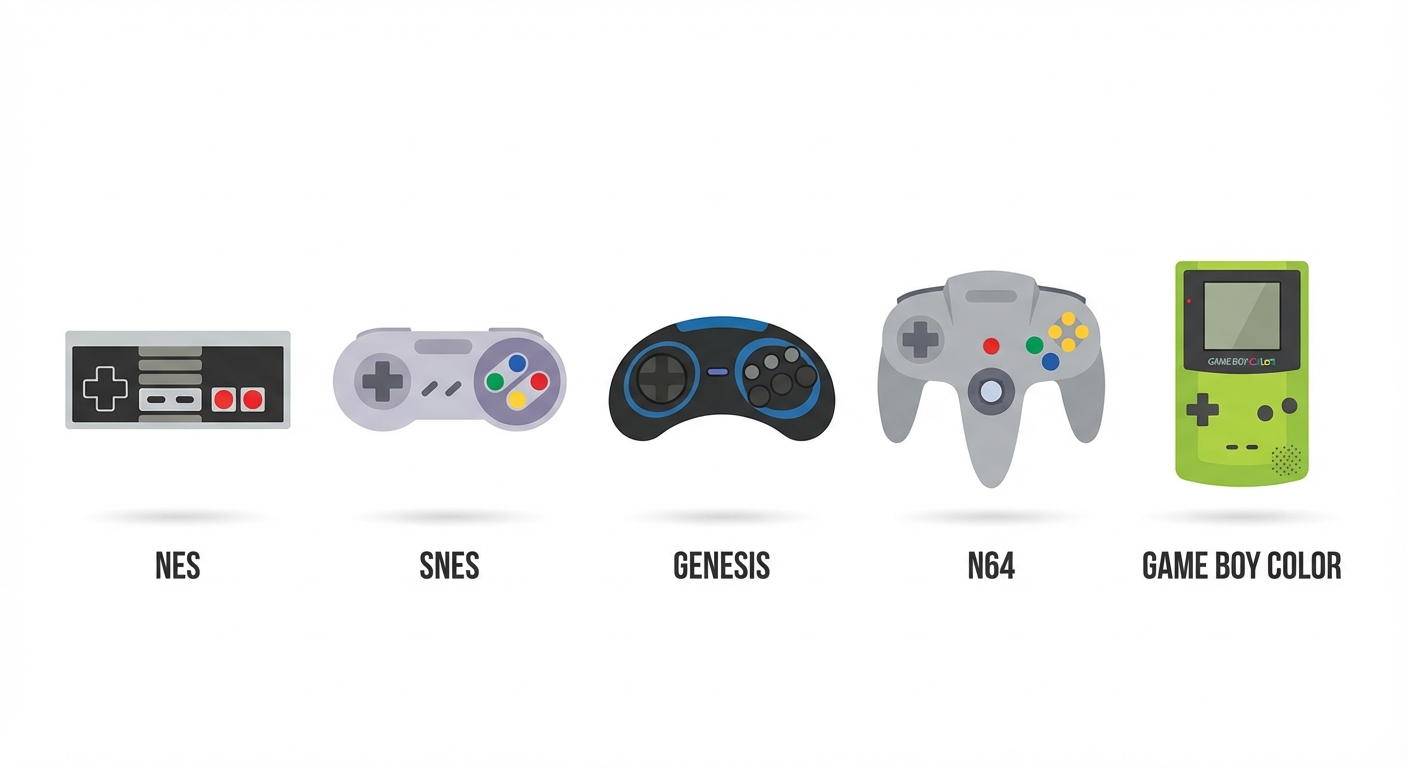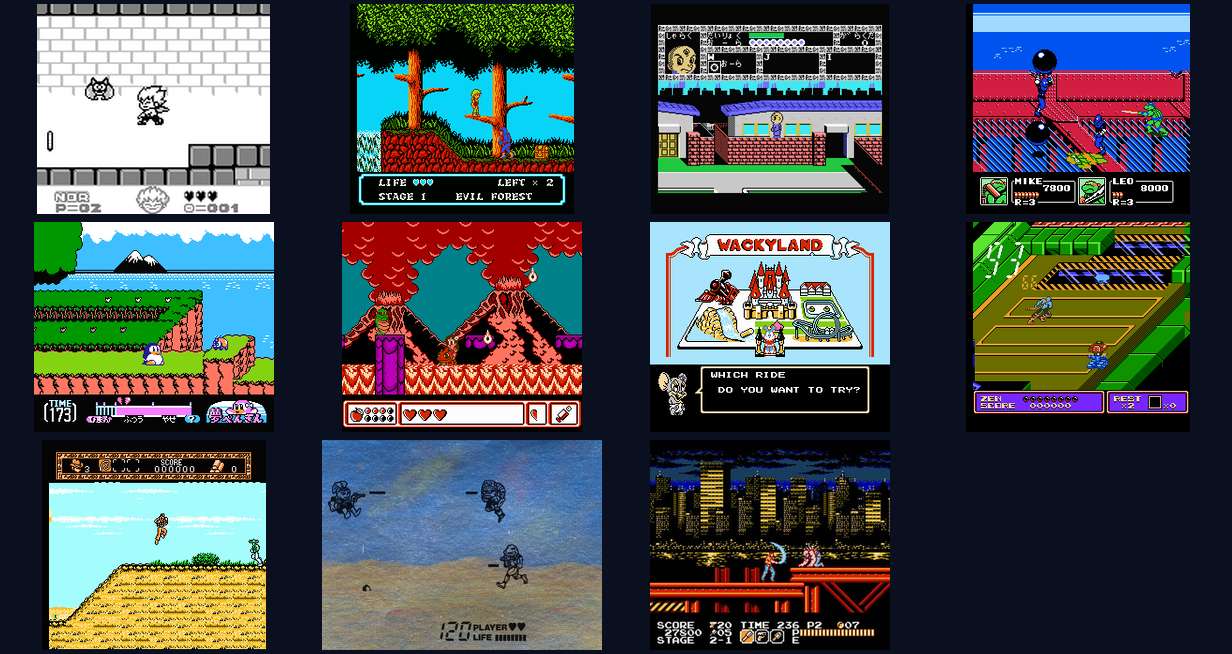
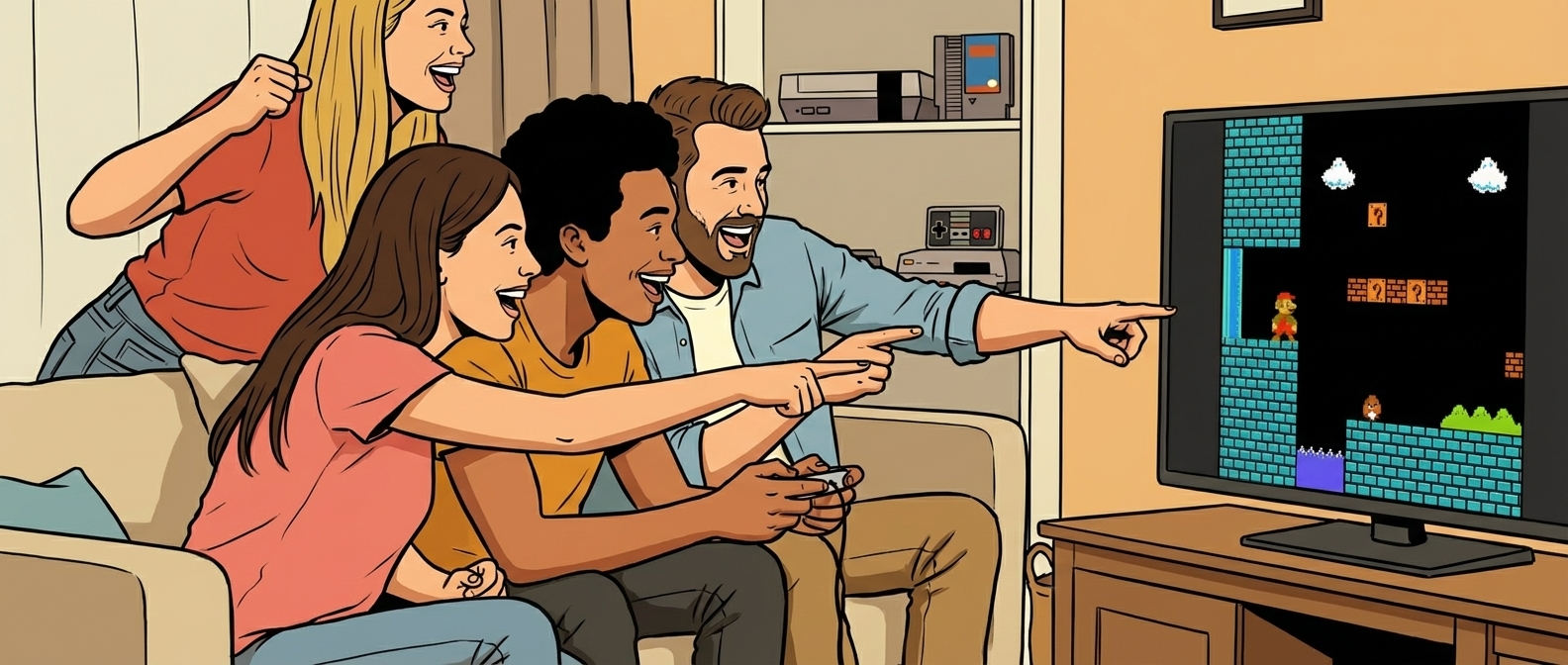
Gaming has always been a social experience. From fighting over the player 2 controller on the couch to trading Pokémon via link cables, the best memories are often made together. Today, we are thrilled to announce the launch of Netplay on Rebit — a seamless way to play your favorite retro games online with friends, no matter where they are in the world.
Whether you want to race through Super Mario Bros., battle it out in Street Fighter, or trade monsters in Pokémon, Rebit's Netplay makes it easier than ever to connect and play.
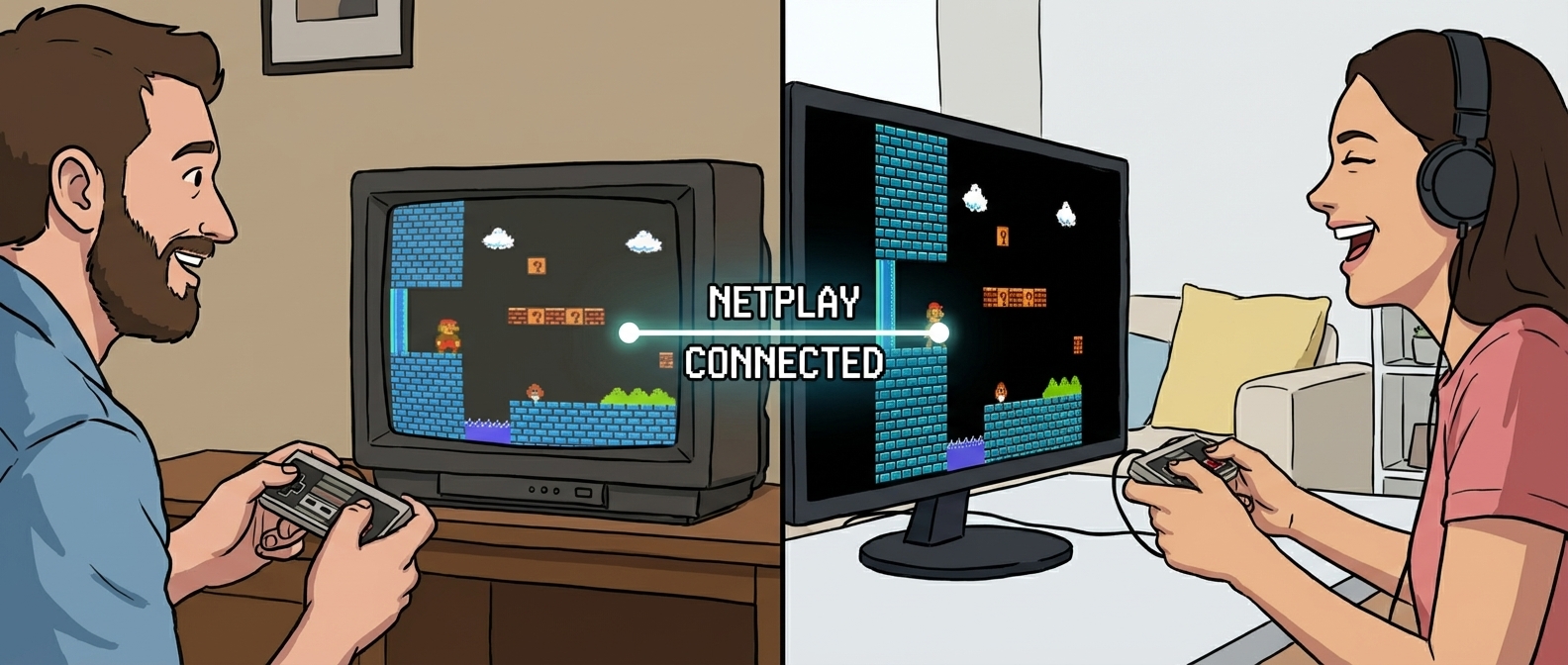
What is Netplay?
Netplay is a technology that allows local multiplayer games — titles originally designed to be played on a single console with multiple controllers — to be played over the internet. It synchronizes the game state between players, effectively tricking the game into thinking you are both sitting in the same room plugged into the same console.
With Rebit, we've integrated this technology directly into your browser, removing the need for complex port forwarding, VPNs, or difficult emulator configurations.
Key Features of Rebit Netplay
We've built our Netplay system with user experience and performance in mind:
- Instant Connectivity: Create a room and share a link. No accounts or downloads required for your friends to join.
- Low-Latency Sync: Our rollback-based synchronization ensures smooth gameplay even if you aren't on the same network.
- Cross-Platform Play: Play on your desktop while your friend plays on their laptop. As long as you have a browser, you can play.
- Voice & Text Chat: (Coming Soon) Coordinate your next move or trash talk in real-time.
- Save State Sharing: Pick up right where you left off, even in multiplayer sessions.
How to Use Netplay: A Step-by-Step Guide
Getting a multiplayer session started is incredibly simple. Follow these steps to host your first game:
1. Select a Multiplayer-Compatible Game
Navigate to your library or the Games section and choose a title that supports 2 or more players.
2. Start a Netplay Session
Instead of clicking "Play," look for the "Create Room" or "Host Netplay" button on the game's detail page. This will launch the game and generate a unique lobby for you.
3. Share the Room Link
Once the game loads, you'll see a Room ID or a Share Link in the side menu. Copy this link and send it to your friend via Discord, WhatsApp, or email.
4. Player 2 Joins
Your friend simply needs to click the link. They will be automatically connected to your session as Player 2.
5. Play!
Configure your controllers, and you're ready to go. The game works exactly as it would on the original hardware.
Frequently Asked Questions (FAQ)
Q: Do I need a fast internet connection? A: A stable connection is more important than raw speed. We recommend a wired (Ethernet) connection or strong Wi-Fi for the best experience to minimize input lag.
Q: Can I play with more than 2 people? A: Yes! If the original game supports 4 players (like Mario Kart 64 or Bomberman), Rebit Netplay supports up to 4 players.
Q: Is controller support included? A: Absolutely. Rebit supports most modern controllers, including Xbox, PlayStation, and 8BitDo controllers. You can map your buttons in the settings menu before or during the game.
Q: What happens if we get disconnected? A: The host can save the game state. Once you reconnect, you can load that state and continue exactly where you left off.
Ready to Play?
Netplay is available now for all users. Visit the Library to start your first session, or check out our Documentation for advanced configuration tips.
Don't let distance stop you from gaming together. Jump into Rebit Netplay today!